Under-desk walking pads do work for increasing daily step counts, burning roughly 100 to 200 extra calories per hour, and reducing the metabolic stagnation caused by prolonged sitting—provided you choose a unit with a brushless motor and a belt wide enough to prevent mechanical drift. However, the viral wellness narrative sells a sanitized fantasy. Most budget machines burn out their motors within six months under continuous low-speed friction, ruin ergonomic typing posture, and introduce insidious lower-body repetitive strain injuries if used without strict biomechanical guardrails.
Walk into any home office supply warehouse or scroll through consumer return pallets, and you will see the graveyard of the remote-work fitness boom. Mountains of sleek, minimalist treadmills sit abandoned, their drive belts frayed and circuit boards fried. They were bought with the best intentions by desk-bound professionals desperate to hit an arbitrary 10,000-step metric while answering emails. Meanwhile, you can explore related stories here: Why UK Health Experts Are Treating Online Misogyny Like an Infectious Disease.
The premise is seductively simple. If sitting is the modern equivalent of smoking, then walking at a glacial pace of 1.5 miles per hour while building a spreadsheet must be the antidote. The reality is far more complicated. Standard review roundups treat these devices like harmless lifestyle accessories, ranking them by how easily they slide under a sofa or how quiet they sound on a Zoom call. They rarely interrogate the engineering compromises required to cram a motorized treadmill into a four-inch-thick aluminum frame, nor do they examine what happens to the human spine when you force it to walk and type simultaneously for four hours a day.
The Physics of Slow-Speed Motor Burnout
Standard commercial treadmills are built for momentum. When a runner strikes the belt at six miles per hour, their forward kinetic energy actually helps pull the belt along, giving the motor brief micro-rests between strides. Under-desk walking pads operate under the exact opposite mechanical reality. To understand the bigger picture, we recommend the excellent article by Everyday Health.
At speeds between 0.8 and 2.0 miles per hour, there is no momentum. Every single footfall acts as a dead-weight brake against the moving belt. The motor must continuously overcome maximum static friction with every step, generating immense heat without the high-RPM fan cooling that faster running speeds naturally produce.
This is where cheap manufacturing collapses. Many entry-level walking pads rely on brushed DC motors rated at 2.0 or 2.25 "peak" horsepower. In the fitness equipment industry, peak horsepower is a notoriously inflated marketing metric that measures the maximum surge of power a motor can handle for a fraction of a second before melting. What actually matters is Continuous Duty Horsepower (CHP), a figure budget brands routinely omit from their spec sheets.
A motor struggling against slow-speed friction without adequate thermal dissipation will slowly cook its own internal windings. First, you smell a faint odor of warm ozone and melting grease. Weeks later, the belt begins to stutter under your weight. By month six, the control board trips an overload error code, leaving you with a sixty-pound paperweight that costs more to ship for repairs than it did to buy. If you weigh over 200 pounds and plan to walk for more than ninety minutes a day, a brushed motor under 2.5 CHP is living on borrowed time.
The Ergonomic Trap of Typing While Walking
Human physiology did not evolve to stabilize the upper body for fine motor tasks while the lower body executes a bipedal gait cycle. When you walk normally, your arms swing in opposition to your legs to counterbalance pelvic rotation, keeping your head and eyes relatively level.
The moment you place your hands on a keyboard, you lock your upper torso into a static frame. Your pelvis still rotates with every step, but because your shoulders are anchored to the desk, your lumbar spine absorbs the torque. Over hours of continuous use, this rotational shear fatigues the deep stabilizing muscles of the lower back.
Worse still is the visual strain. Even at a gentle stroll, your head bobs vertically by roughly one to two inches with every stride. Your vestibular system and ocular muscles must work overtime to stabilize your gaze on a fixed monitor, a phenomenon known as the vestibulo-ocular reflex. For tasks that require passive consumption—reading reports, watching webinars, or sitting through town hall meetings—this micro-movement is entirely manageable.
Try writing complex code, editing video, or drafting dense legal briefs while walking, and cognitive performance craters. Your typing accuracy drops, your shoulders creep upward toward your ears to artificially brace your hands against the keyboard, and you end up trading sedentary hip tightness for acute cervical neck pain. The most successful long-term adopters of walking pads do not walk all day; they treat the machine as a modular tool, sliding it out strictly for low-cognitive-load blocks of their schedule.
What Actually Matters in a Walking Pad
If you strip away the influencer lighting and app-connectivity gimmicks, a reliable walking pad comes down to four non-negotiable engineering specifications. Everything else is marketing noise.
1. Motor Architecture and Thermal Management
Look explicitly for brushless DC motors. Unlike traditional brushed motors, which rely on physical carbon brushes pressing against a spinning commutator to transfer electrical current, brushless motors use magnetic fields and electronic controllers. Eliminating that internal physical friction reduces heat buildup by up to forty percent, drastically extends the lifespan of the unit, and drops operational noise below 45 decibels—roughly the volume of a quiet library.
2. Deck Width and Lateral Drift
Most compact walking pads feature a belt width between 15 and 16.5 inches. That sounds adequate on paper until you realize you are looking at a computer monitor rather than your feet. Without visual feedback, human gait naturally drifts laterally by several inches. On a 15-inch belt, a slight loss of focus sends your sneaker catching the stationary side rail, an instant recipe for a twisted ankle or a violent fall into your desk. Aim for a minimum belt width of 17 to 18 inches, and prioritize models with raised, textured side rails that provide immediate tactile feedback before your foot slips off the edge.
3. Cushioning and Sub-Deck Material
A walking pad cannot have the thick, spring-loaded elastomer shock absorbers of a full-sized gym treadmill without becoming too tall for a standard standing desk. However, walking on a rigid slab of steel or thin particleboard transfers impact forces directly into your heels, knees, and sacroiliac joints. Quality units utilize high-density Medium-Density Fiberboard (MDF) decks paired with silicone shock-absorbing pads sandwiched between the deck and the aluminum frame. If a manufacturer refuses to disclose the deck thickness or shock-absorption mechanism, assume you are walking on bare metal.
4. The Incline Illusion
A wave of newer walking pads boasts manual or automatic incline features ranging from three to nine percent. While walking uphill undeniably spikes caloric expenditure and engages the posterior chain, adding incline under a desk destroys neutral wrist ergonomics. As the deck tilts upward, your body rises, forcing you to constantly readjust your standing desk height. Worse, walking uphill shifts your center of gravity backward, causing most users to subconsciously grip the edge of their desk for balance. Unless you intend to use the machine strictly away from your desk as a dedicated cardio device, flat decks remain superior for workspace integration.
The Hidden Maintenance Tax
Manufacturers sell walking pads as zero-maintenance appliances. Take it out of the box, plug it in, and start stepping. That omission is responsible for at least half of all premature equipment failures.
A walking pad is a mechanical friction machine operating mere inches from carpet fibers, pet hair, and household dust. Every rotation of the belt acts like a conveyor, pulling microscopic debris directly into the gap between the running belt and the wooden deck. Once trapped, that grit acts like sandpaper, grinding away the low-friction phenolic coating on the deck and forcing the motor to pull twice as much amperage just to keep the belt turning.
Ownership requires a strict maintenance ritual. Every 25 to 30 hours of use—roughly every two weeks for a daily user—you must lift the edges of the belt and apply 100% pure silicone treadmill lubricant directly onto the center of the deck. Never use petroleum-based lubricants like WD-40, which will chemically degrade the rubber underside of the belt within days.
You also need to place a dense, closed-cell PVC equipment mat underneath the unit. Even on hardwood floors, static electricity generated by the moving belt acts as a magnet for dust bunnies, sucking them straight into the motor housing vents at the front of the machine. A simple mat creates a clean buffer zone and dampens low-frequency vibrations that would otherwise travel straight through floorboards into a downstairs neighbor's ceiling.
The Metabolic Reality of Micro-Movement
To understand why walking pads are worth the logistical headache despite their flaws, you have to look past the calorie counter. Walking at 1.5 miles per hour for an hour burns roughly 120 to 150 calories more than sitting. Over a five-day workweek, that equates to maybe half a pound of fat loss per month—hardly a dramatic body-recomposition miracle.
The real physiological payoff happens at the cellular level through Non-Exercise Activity Thermogenesis (NEAT) and muscular glucose uptake. Skeletal muscle is the body's largest sink for blood glucose. When you sit motionless for hours, the large muscles of your legs—the soleus, gastrocnemius, and quadriceps—go electrically silent. Insulin sensitivity drops, lipoprotein lipase (an enzyme critical for breaking down circulating triglycerides) plummets, and blood pools in the lower extremities.
Gentle, rhythmic muscle contractions act as a secondary venous pump, pushing blood back toward the heart and triggering GLUT4 transporters to pull glucose out of the bloodstream without requiring massive spikes in insulin. Research into postprandial (post-meal) movement consistently shows that even a fifteen-minute slow walk immediately after lunch flattens blood sugar spikes far more effectively than a grueling one-hour gym session performed later that evening. You are not using the walking pad to train for a marathon; you are using it to keep your metabolic engine idling smoothly instead of stalling out at your desk.
Footwear and the Barefoot Fallacy
Because walking pads live inside the home, a staggering number of users step onto them barefoot or in thick wool socks. It feels comfortable for the first twenty minutes. By week three, many develop sharp, stabbing pain along the bottom of the heel—classic plantar fasciitis.
Walking barefoot on natural terrain like grass or sand forces the intrinsic muscles of the foot to grip and adapt to uneven surfaces. Walking barefoot on a flat, motorized conveyor belt does the exact opposite. The moving belt pulls your foot backward mechanically, reducing the active push-off phase of your gait while subjecting the plantar fascia to repetitive, uniform stretching on a rigid surface.
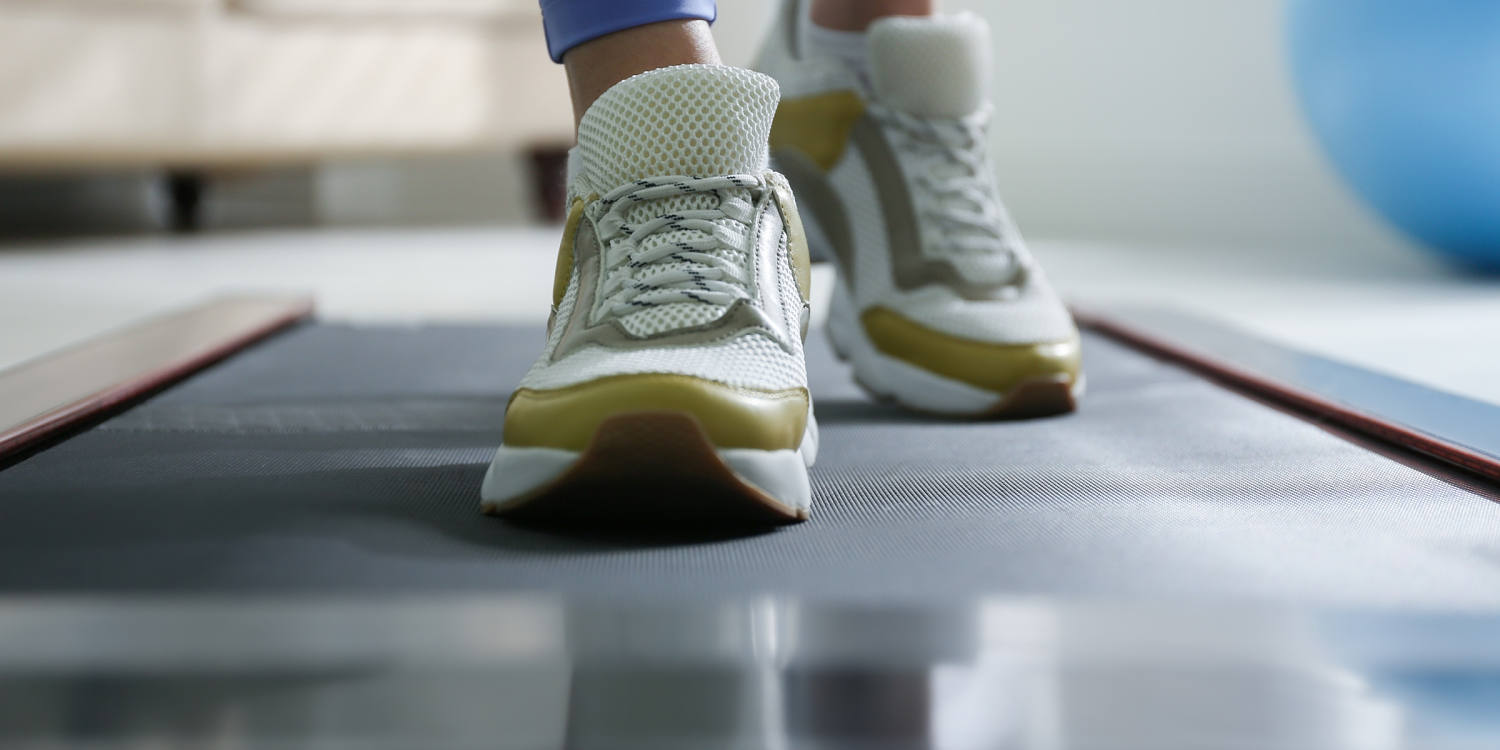
Keep a dedicated pair of clean, supportive athletic shoes directly next to your desk. They do not need maximalist marathon cushioning, which can actually feel unstable at slow speeds, but they do need a firm heel counter, moderate arch support, and a grippy rubber outsole that will not slip if the belt momentarily hesitates. Treating your home office walk with the same biomechanical respect as an outdoor walk prevents the nagging foot and ankle injuries that sideline most enthusiastic beginners.
Designing a Sustainable Protocol
The people who still use their walking pads two years after buying them share one universal habit: they ignore the 10,000-step obsession. Chasing massive step totals while working leads directly to burnout, sore joints, and sloppy work output.
Instead, structure your day around metabolic anchors. Set your standing desk to its optimal ergonomic height—elbows bent at ninety degrees, wrists neutral, top third of the monitor at eye level—while standing on the powered-off belt. Do your deep, cognitively demanding work standing still or seated in a proper task chair.
When you transition to clearing your inbox, attending a status call, or reviewing industry news, turn the belt on to a slow, conversational pace between 1.2 and 1.6 miles per hour. Aim for two or three 30-to-45-minute blocks spread across the day, paying special attention to the thirty minutes immediately following lunch to blunt the afternoon energy crash.
Measure your success not by the distance displayed on the tiny LED screen at your feet, but by how your lower back feels at 5:00 PM when you finally power down your monitor. If you finish the workday energized rather than stiff, compressed, and mentally foggy, the machine has already paid for itself.